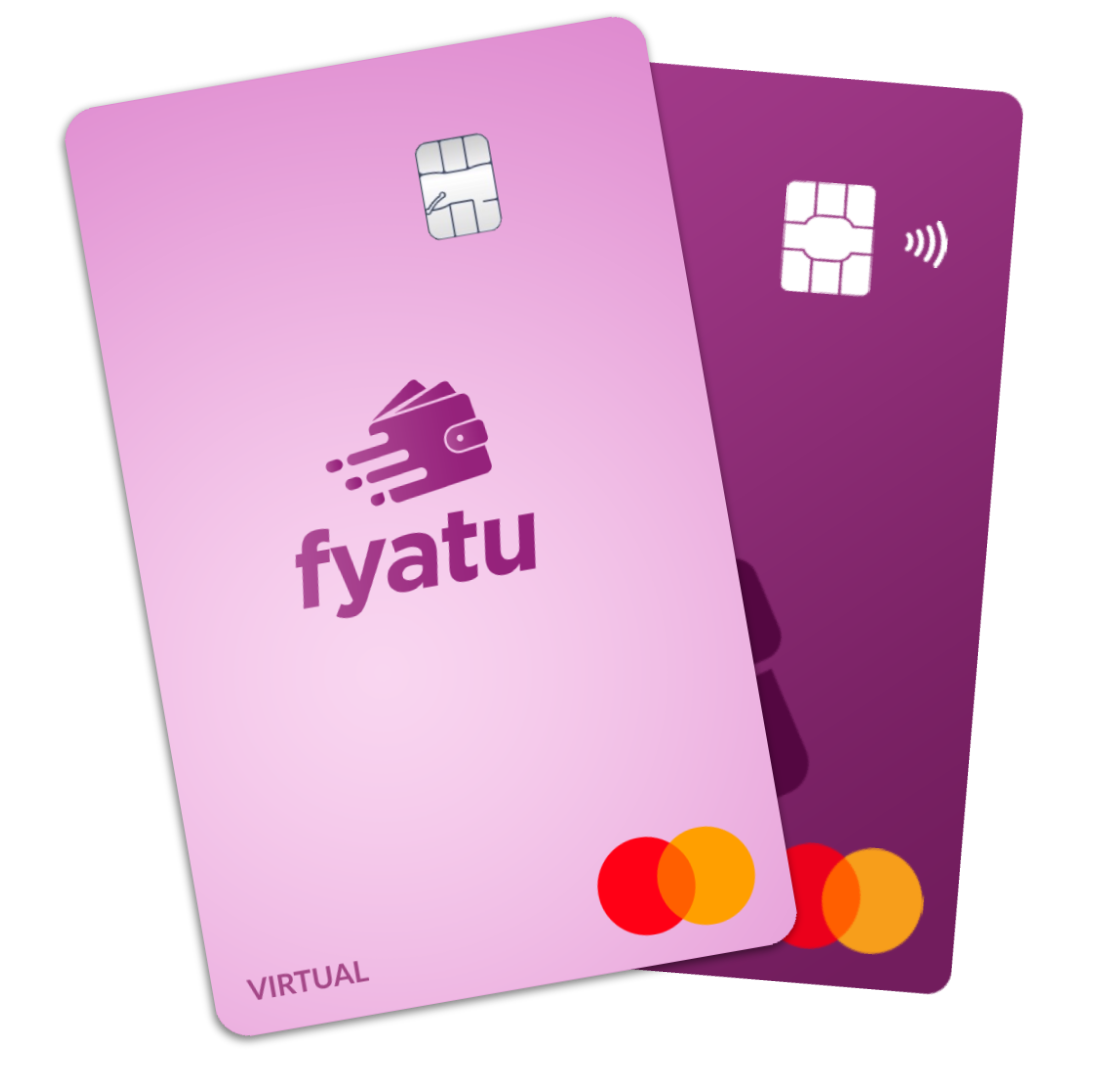


Fyatu Cards Now Work with Apple Pay and Google Pay

Pay with a Tap, Anywhere in the World
We are excited to announce that all Fyatu Visa and Mastercard — both virtual and physical — now support Apple Pay and Google Pay. Add your Fyatu card to your phone’s wallet and pay contactless at millions of merchants worldwide.
How to Add Your Fyatu Card
Adding your Fyatu card to Apple Pay or Google Pay takes seconds:
- Open Apple Wallet or Google Wallet on your device
- Tap “Add Card” and scan your Fyatu card or enter the details manually
- Verify through the Fyatu app — a one-time confirmation
- Start paying — hold your phone near any contactless terminal
Every transaction is protected by tokenization. Your actual card number is never shared with the merchant, and each payment is authorized with Face ID, fingerprint, or your device PIN.
Why This Changes Everything for Africa
For millions of users across Africa, contactless payment was out of reach. International cards were hard to get, and local cards rarely supported mobile wallets. With Fyatu, that barrier is gone.
Whether you are buying coffee in Nairobi, shopping in Dubai, or paying for a ride in Paris — your Fyatu card works everywhere Apple Pay and Google Pay are accepted. Fund your card instantly via mobile money or crypto.
Which Cards Are Supported?
All Fyatu card types are compatible with mobile wallets:
- Visa Virtual Cards — USD, EUR, GBP
- Mastercard Virtual Cards — USD, EUR
- Physical Cards — All currencies
Both prepaid and debit card types work. If you already have a Fyatu card, you can add it to your wallet right now — no app update required. See our full pricing page for card fees.
Security You Can Trust
Apple Pay and Google Pay use device-level biometric authentication and tokenized card numbers. Combined with Fyatu’s own 3D Secure verification, every tap is triple-protected. You can also freeze your card instantly from the Fyatu app if anything seems off.
Businesses looking to issue their own Apple Pay and Google Pay-enabled cards can explore our Card Issuing API.
Get Your Fyatu Card Today
Don’t have a Fyatu card yet? Create your free account and get a virtual card in under two minutes. Already a user? Open your Fyatu app, navigate to your card, and tap “Add to Apple Wallet” or “Add to Google Wallet”.